
SHAREit
SHAREit is a free Windows app from the SHAREit Team for moving photos, videos and documents between a PC and a phone. The current version is 5.1.0.7.
22.7 MB

MobaXterm is a terminal emulator for Windows from Mobatek, used by administrators and developers to work with remote machines from one window.
Average 0.0 · ratings: 0
Thank you! Your rating is saved; you can change it. Could not save the rating. Please try again later. Too many ratings from your network today. Please try again tomorrow. The average appears after 5 ratings.
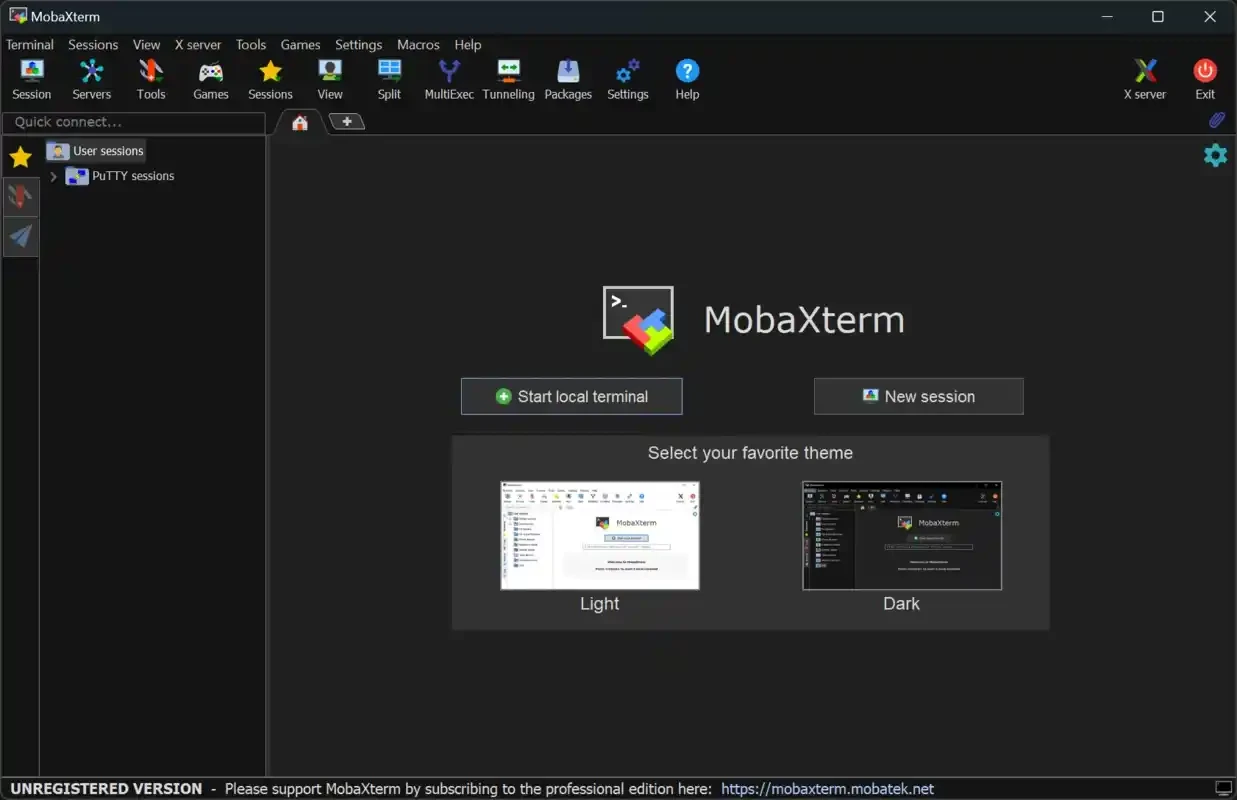
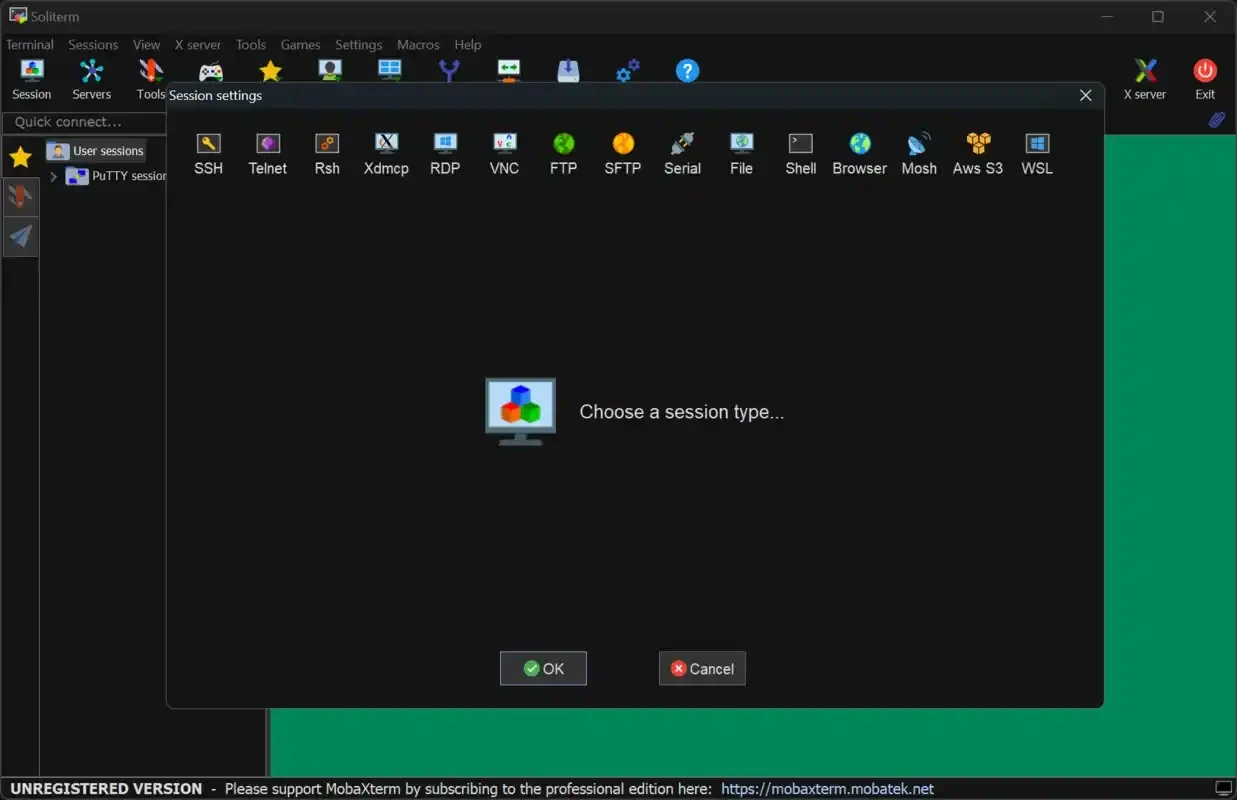
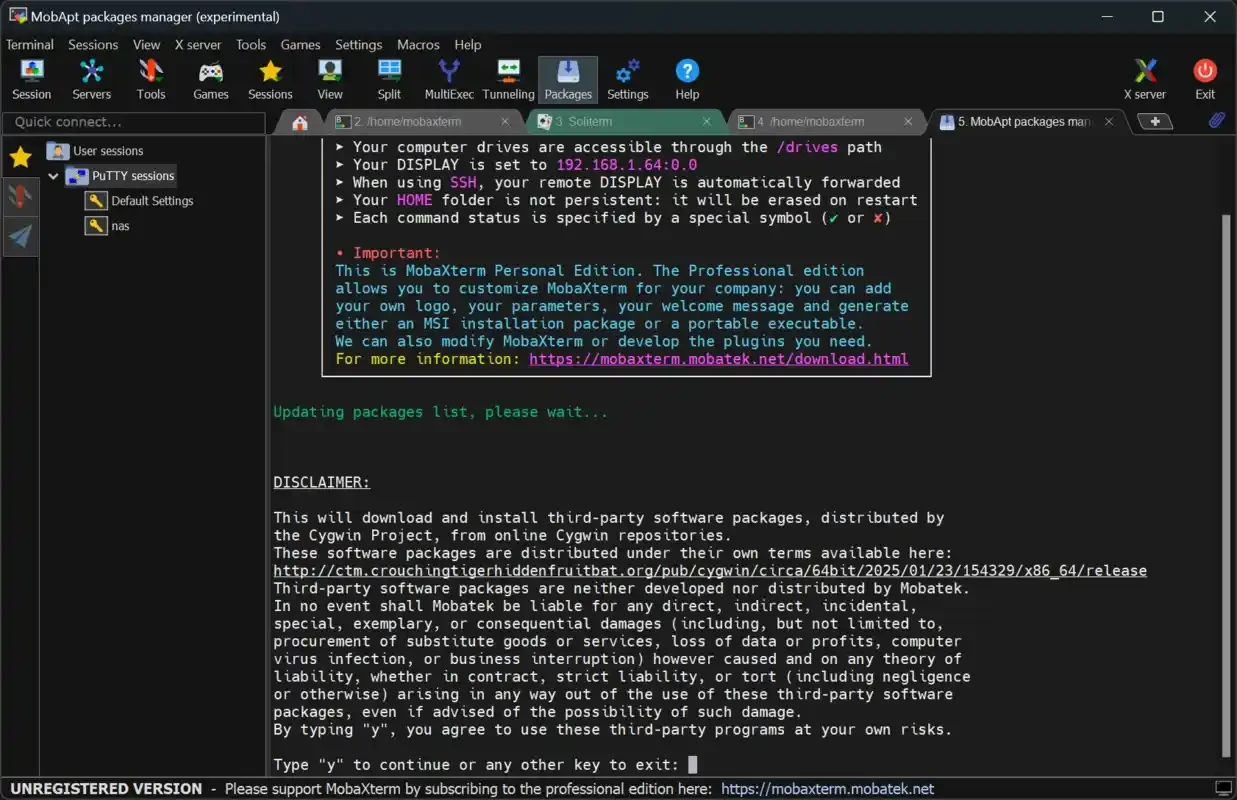
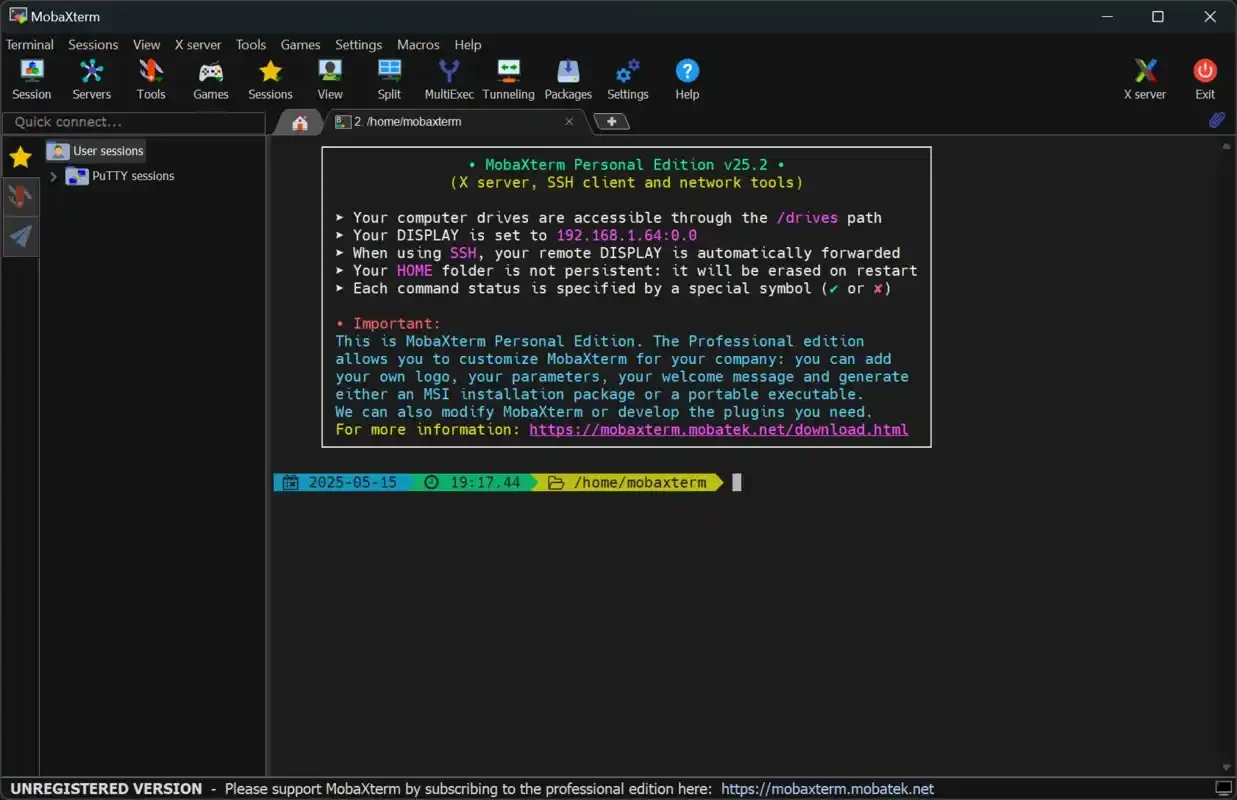
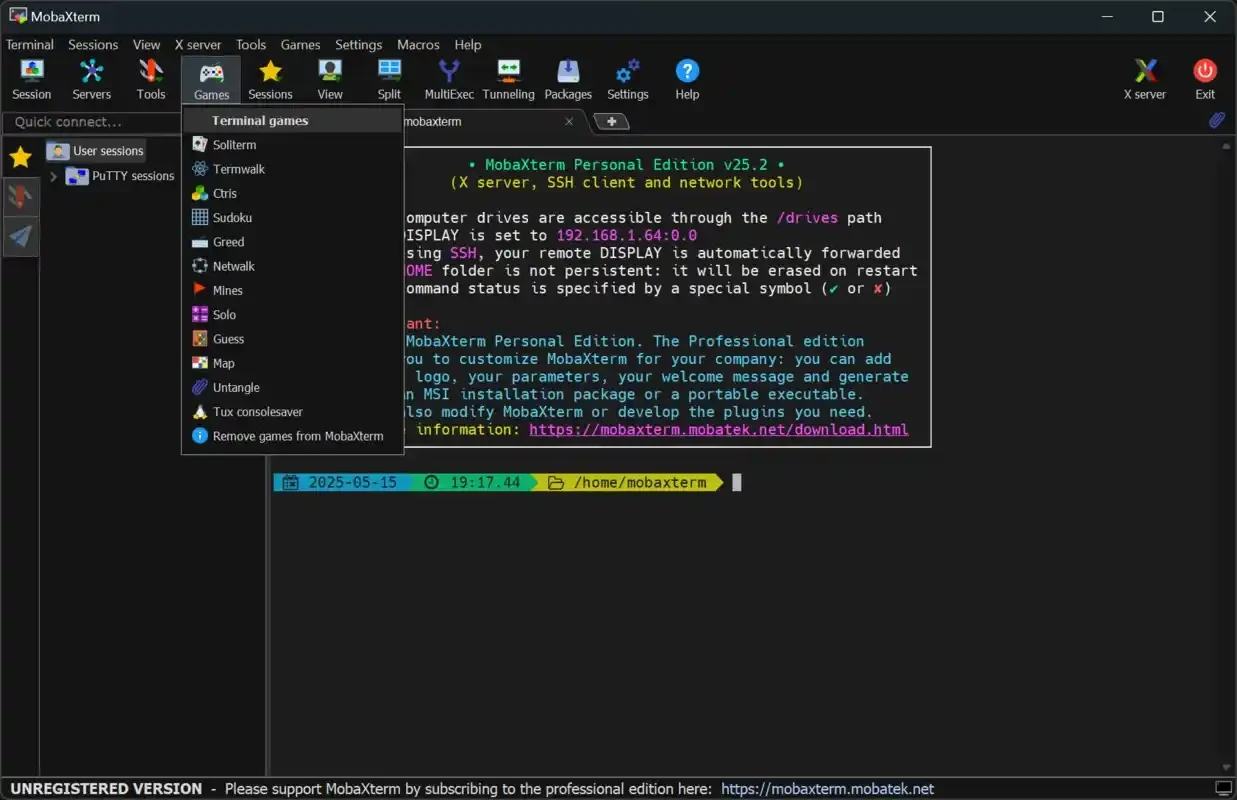
MobaXterm 26.5.0.5542 is a terminal emulator for Windows from Mobatek. It gives administrators and developers one window for working with remote machines and command-line tools, and you can download it from the official MobaXterm website.
MobaXterm is aimed at people who spend a large part of the day in a terminal but work on a Windows PC. System administrators use tools like it to manage Linux servers, network engineers to reach routers and switches, and developers to run commands on test machines or cloud instances. Students in computer science courses often meet it when their university lab runs on Linux while their own laptop runs Windows. The appeal is having your remote connections and command-line work organised in one program instead of juggling separate small utilities. If you only open a terminal once a month, the built-in Windows Terminal or PowerShell may be all you need; MobaXterm pays off when remote work is part of your routine and you connect to several machines regularly.
| Item | Details |
|---|---|
| Version | 26.5.0.5542 |
| Developer | Mobatek |
| Type | terminal emulator |
| Platform | Windows |
| Licence | proprietary; free edition available |
| Size | about 43.5 MB according to catalogue data |
Changes in each release are listed on the Home Edition download page.
Use key-based authentication instead of passwords where your servers allow it, and protect private keys with a passphrase. Name your connections clearly so you do not run a command on the wrong machine. Before closing the program, check that long-running tasks on remote machines are safe to leave. On shared or work computers, do not store passwords in the program unless your company's policy allows it.
If you are new to command-line work, start with read-only commands that only show information, and keep a text file of the commands you use often. Test anything that changes files or settings on a test machine first. Many mistakes come from running the right command in the wrong window, so glance at the host name in the prompt before pressing Enter.
A terminal program holds the keys to your servers, so download it only from Mobatek. Repacked copies on download portals may be modified to capture credentials. Keep it updated, because fixes for the network protocols it uses are released regularly.
Our listings include PuTTY and Tera Term, both terminal programs, WinSCP and FileZilla for file transfers to servers, and WinBox for MikroTik routers.
SHAREit is a free Windows app from the SHAREit Team for moving photos, videos and documents between a PC and a phone. The current version is 5.1.0.7.

Zapya for Windows is a free file transfer app from DewMobile for moving files between a PC and phones over a local wireless connection.

Easy Connection to Screen is Samsung's Windows app for showing a PC's screen on a compatible Samsung TV over a wireless connection.

Internet Download Manager (IDM) is a shareware download manager for Windows from Tonec that accelerates, resumes and schedules downloads.

uTorrent (μTorrent) is a small BitTorrent client for Windows from Rainberry (BitTorrent Inc) for downloading and sharing files over torrents.

AnyDesk is a remote desktop application for connecting to and controlling another computer over the internet, from a small Windows program.

ShareMe is Xiaomi's free app for sending files between devices without a cable; on Windows the Android app runs only inside an emulator.

Xender is a free file sharing app from the Xender File Sharing Team for sending files between phones and computers over a local connection.